Campaigns overview
What the Campaigns workspace is, how the builder flows, and every view you can work in.
Campaigns is where outreach actually happens in Stynar — the workspace where a list of names turns into a fully personalized, multi-touch sequence that sends itself. Build it once with a guided, step-by-step wizard, then watch it run, adapt to replies, and report back — all from one page.
Create personalized outreach campaigns, add your audience, set follow-ups, schedule sends, and launch — all from one place.
Guided campaign builder
A five-step wizard — Leads, Design, Follow-up, Schedule, Review — validates each piece of setup before you move on, so nothing incomplete ever goes live.
Search, filter, and sort
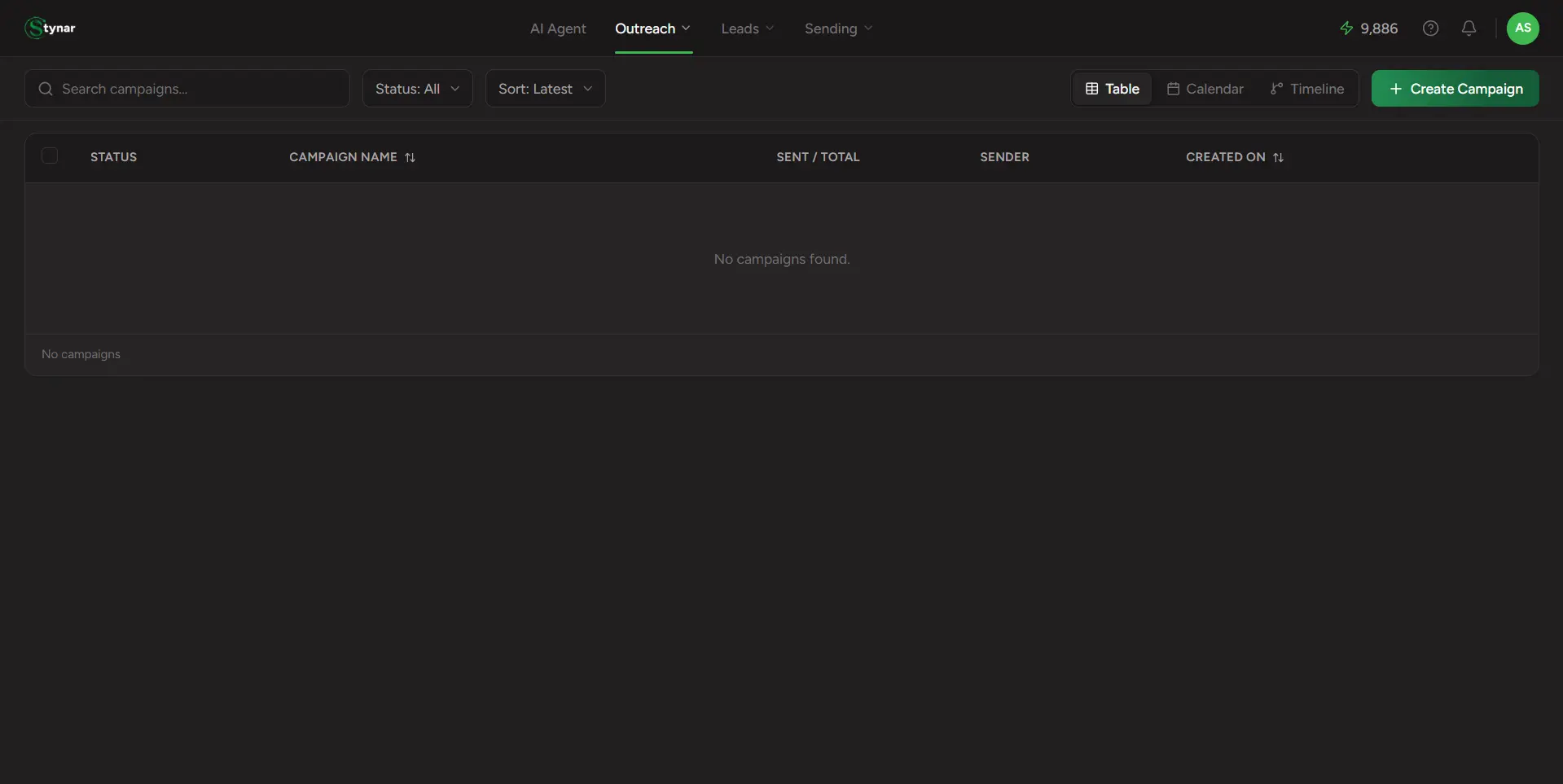
Find any campaign instantly by name, filter by status (Draft, Running, Scheduled, Paused, Completed, Failed), and sort by newest, oldest, or name.
Calendar view
See every campaign plotted against its send date, spot busy weeks at a glance, and jump straight into Create Campaign from any day on the calendar.
Timeline view
A horizontal, at-a-glance timeline of every campaign's active window — perfect for planning outreach cadence across your whole pipeline.
Live campaign dashboard
Click into any campaign for real-time send progress, engagement metrics, sender health, follow-up status, and full lead-level detail.
One-click PDF reports
Export a polished performance report straight from the campaign dashboard — ideal for stakeholder updates without handing out product access.