Inbox overview
What the Inbox actually is, the four folders it's built from, and the one thing it deliberately doesn't do.
This is where outreach turns into a real conversation. Every campaign email you send and every reply a lead writes back lands here — organized into four simple folders, searchable in one box, and already sorted by intent before you've read a single word.
Keep every reply in one place, manage conversations, and stay on top of the conversations that matter.
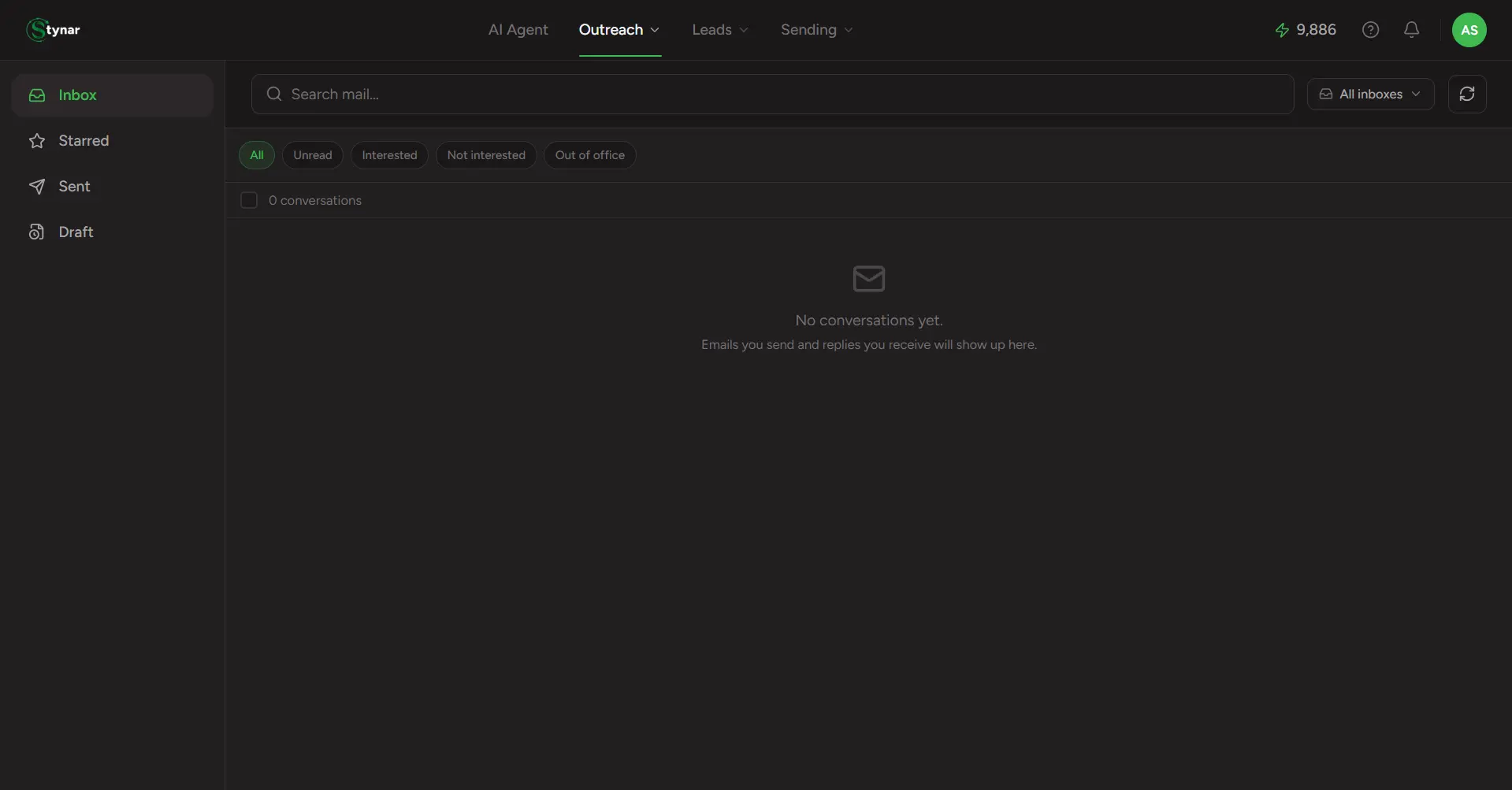
It's a replies inbox, not a mailbox clone
Inbox
Leads who replied
Sent
Everyone you emailed
Starred
Conversations & drafts you flagged
Draft
Draft-mode emails, queued to send
Four purpose-built folders
Inbox, Sent, Starred, and Draft — each one answers a different question, so you're never scrolling through the wrong list.
One search box, every folder
Search by lead name, email, campaign, subject, or message content — it filters whichever folder you're currently looking at.
AI response classification
Every reply is read and labeled automatically — Interested, Not Interested, Out of Office — so filtering to what matters takes one click.
Gmail-style threading
Open any conversation and the full back-and-forth unfolds in order, with older messages collapsed to a single line until you need them.
Unread tracking, everywhere
New replies show a bold unread dot on the row and a live count next to Inbox in the top navigation — refreshed automatically every minute.
Always tied to a campaign
Every conversation carries its campaign name and sending account, so you always know exactly which outreach effort started it.