Templates overview
Your personal, searchable library of reusable emails — plus what preview, rename, and delete actually do.
Design an email once, reuse it forever. Templates is your personal library of reusable email designs — build one in whichever editor suits you, and it's instantly available every time you set up a campaign, from the very first email to the last follow-up in the sequence.
Create, personalize, and reuse high-converting email templates built for smarter outreach.
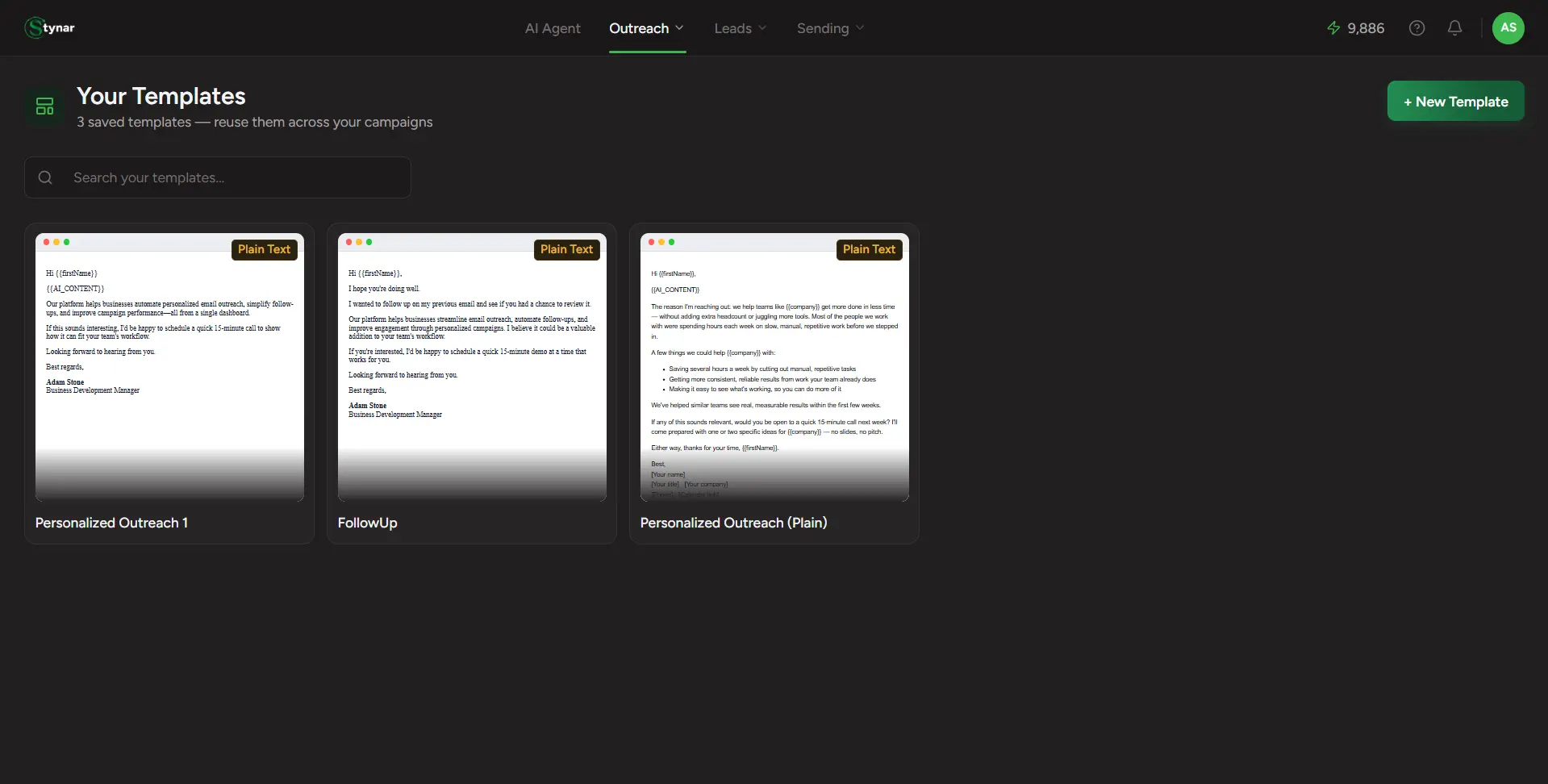
Your templates, one flat grid
Every template you've built shows up here as a live thumbnail — searchable by name, no folders or categories to dig through.
Instant search
Type a few letters of a template's name and the grid narrows immediately — built for a library that's still growing.
Preview before you commit
Click any card to open a real, rendered preview — desktop or mobile — without touching the editor at all.
Rename inline
Click a template's name in the preview panel to rename it on the spot — no separate settings screen.
Delete with a safety net
Delete asks you to confirm once — "this can't be undone" — before anything's actually removed.
Three editors, one library
Visual Builder, Code Editor, and Plain Text templates all live side by side, each tagged with a colored badge so you know which one built it.