Email accounts overview
Manage sender accounts, domains, authentication, and account health.
Nothing sends without a mailbox behind it. Email Accounts is where you connect the real inboxes and domains your campaigns deliver from — Gmail, Outlook, any SMTP provider, or a fully verified custom domain — and where you keep an eye on whether each one is actually healthy enough to send.
Connect your sending accounts, manage your outreach setup, and keep every campaign ready to reach the right prospects.
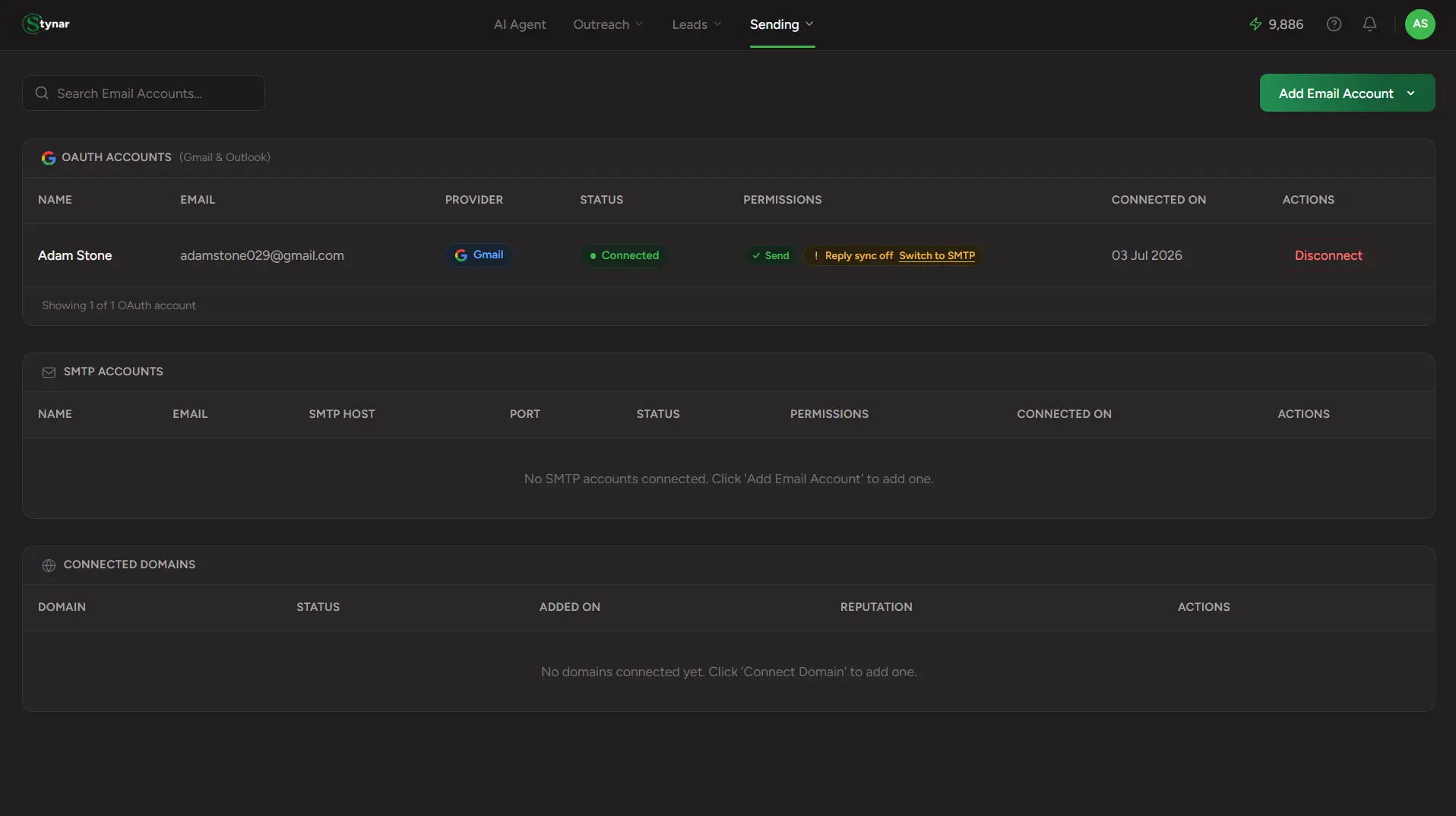
OAuth Accounts
Gmail (via app password) and Outlook (via real OAuth) mailboxes, grouped in one table — same section, two different connection methods under the hood.
SMTP Accounts
Any standard mail provider — Zoho, SES, SendGrid, a private server — connected with host/port credentials.
Connected Domains
Custom sending domains verified through auto-generated DNS records, for deliverability and sender trust beyond a personal mailbox.
Google Postmaster
Gmail-specific reputation monitoring for verified domains — trust score, spam rate, and authentication health.
Search
Find any connected sender instantly by name or email address.
Add Email Account
One dropdown, four options — Connect Gmail, Connect Outlook, Connect via SMTP, or Connect Domain.
| Field | What it means |
|---|---|
| OAuth Accounts table | Gmail and Outlook mailboxes — connected differently, managed together. |
| SMTP Accounts table | Every generic SMTP mailbox you've connected, with its host and port visible. |
| Connected Domains table | Every custom sending domain, its verification status, and its reputation once Postmaster is connected. |