Managing your leads table
Search, filter, sort, bulk-edit, and export the full lead database behind any list.
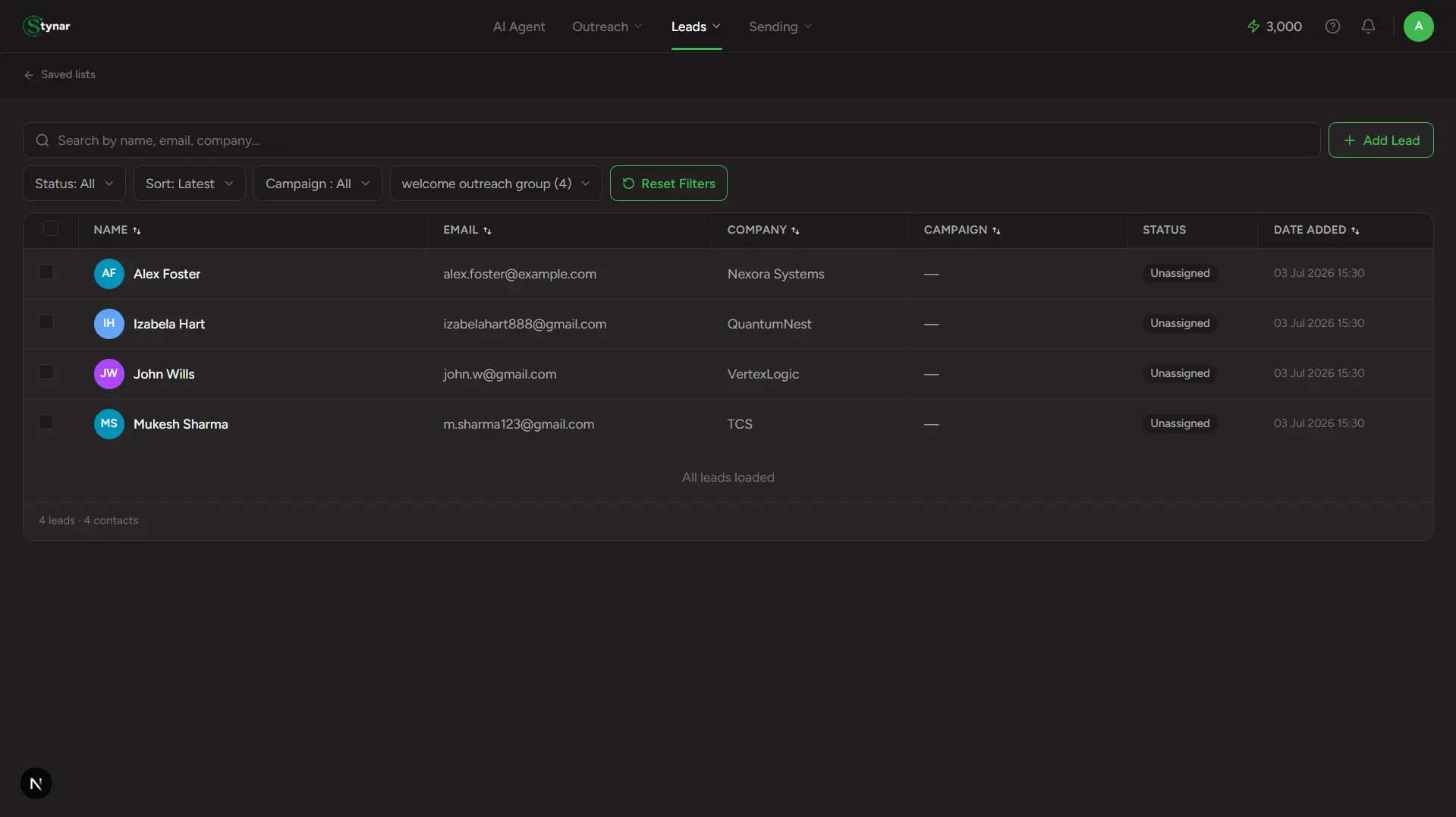
Click into "All leads" or any list from Saved Lists, and this is where you land — the working view of every lead behind it. Search and filter by name, email, campaign, status, or list — then inspect, edit, label, export, or remove leads without leaving the page. Leads load automatically as you scroll, so managing thousands of them stays fast no matter how large your list grows.
Review, organize, and manage your prospects with powerful filters and actions—so your best leads are always ready for your next outreach campaign.
Search
Find any lead instantly by name, email, or company — scoped to the list you're currently viewing.
Filters
Narrow by status (Unassigned, Pending, Sent, Failed, Unsubscribed/Bounced), campaign, or list — stack them to get specific fast.
Lists
Apply, rename, or remove list labels in bulk to segment leads by source, persona, or campaign stage — a lead can belong to several lists at once.
Lead drawer
Click any lead to open a slide-out panel with two tabs: Overview (edit every field, including custom ones) and Campaigns (which campaign, if any, this lead belongs to).
Add lead
Manually add one contact with name, email, phone, company, and custom fields. Adding one while viewing a specific list joins that list automatically.
Saved companies section
Viewing a list that has saved companies in it? They show up in their own section below the leads table, since a company isn't a "lead" in the same shape as a person.
Export
Select any combination of leads and export them as a CSV for offline analysis or handoff to another tool.
Bulk delete
Select and remove multiple leads at once — a confirmation prompt prevents accidental deletions.
Column sorting
Click any column header to sort by name, email, company, campaign, or date added.