Find companies
Search a real company database by industry, size, and HQ location — then save the ones worth reaching.
Before you can reach the right people, you need the right companies. Find Companies searches a real, continuously-updated company database — powered by Prospeo — so you can build a target list by industry, size, and location instead of guessing who to email.
Discover the right companies, refine your search, and build a focused list of prospects ready for outreach.
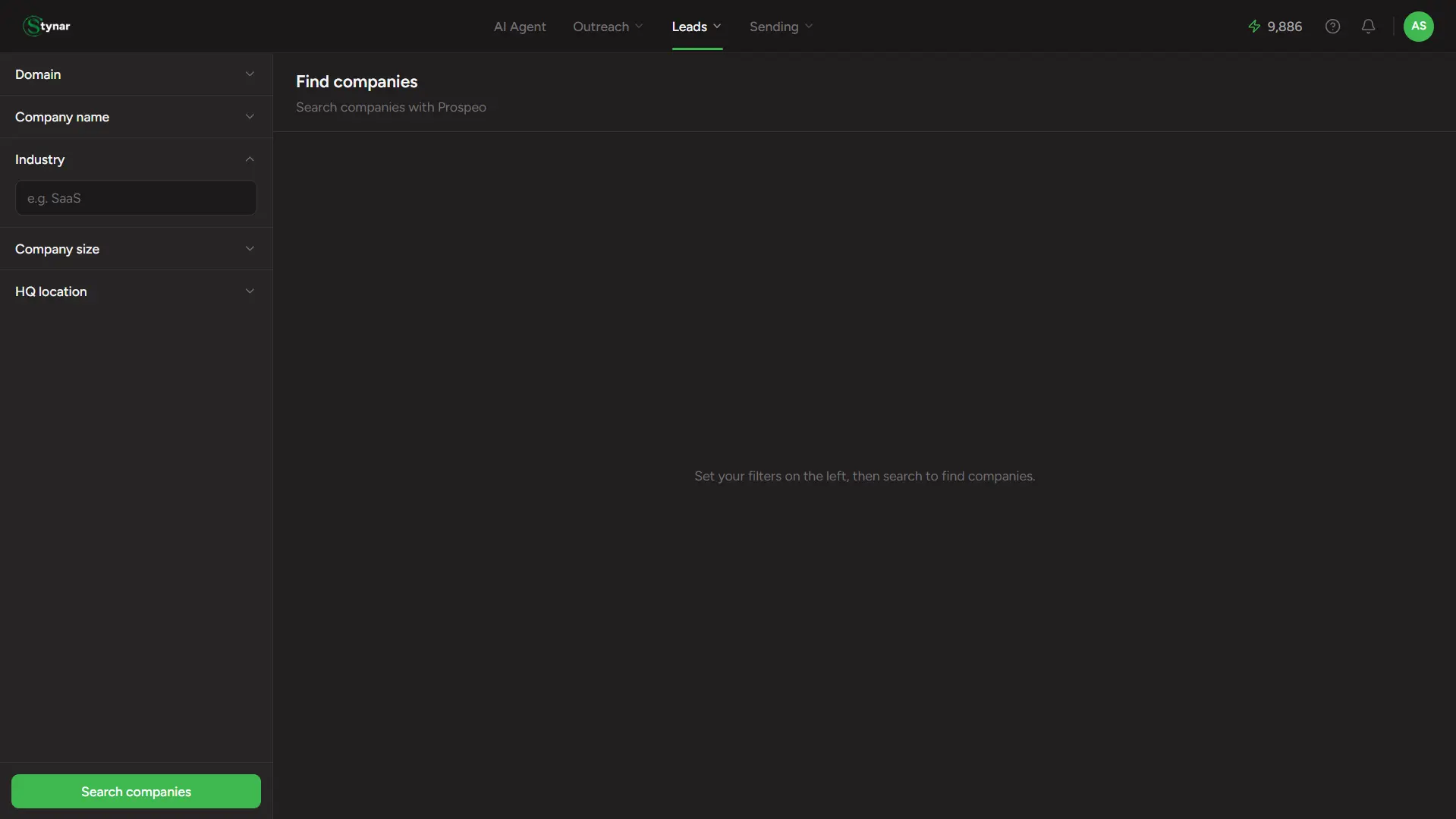
The filters
Domain
Already know the company? Search its exact domain — e.g. acme.com.
Company name
Search by name directly — useful when you know who you're looking for but not their site.
Industry
Type-ahead search — start typing "SaaS" or similar and pick from real matching industries, not free text.
Company size
Check off one or more headcount ranges, from 1–10 up to 10,000+.
HQ location
Type-ahead search for a city, region, or country — add as many as you need.
At least one filter is required
What you get back
Results come back as a full, paginated table — every field visible immediately, nothing hidden behind a reveal button (that's a People-search thing, not a Companies one):
| Field | What it means |
|---|---|
| Company | Name, logo, a link to the company site, and a LinkedIn page link when available. |
| Industry | The company's primary industry classification. |
| Employees | Headcount, either an exact number or a range. |
| Location | Headquarters location. |
| Type | e.g. Private, Public, Nonprofit — whatever Prospeo has on record. |
| Founded | Founding year, when known. |
| Revenue | Estimated revenue, when known. |
Selecting and saving
Check the companies you want
Tick individual rows, or use the header checkbox to select every company on the current page.
Click Save N Companies
Appears the moment anything is selected.
Pick a list, or skip
Add them to an existing list, type a name to create a new one on the spot, or skip and save them without a list at all.