Saved lists
Every company and person you save lands in a list — the hub that ties discovery to outreach.
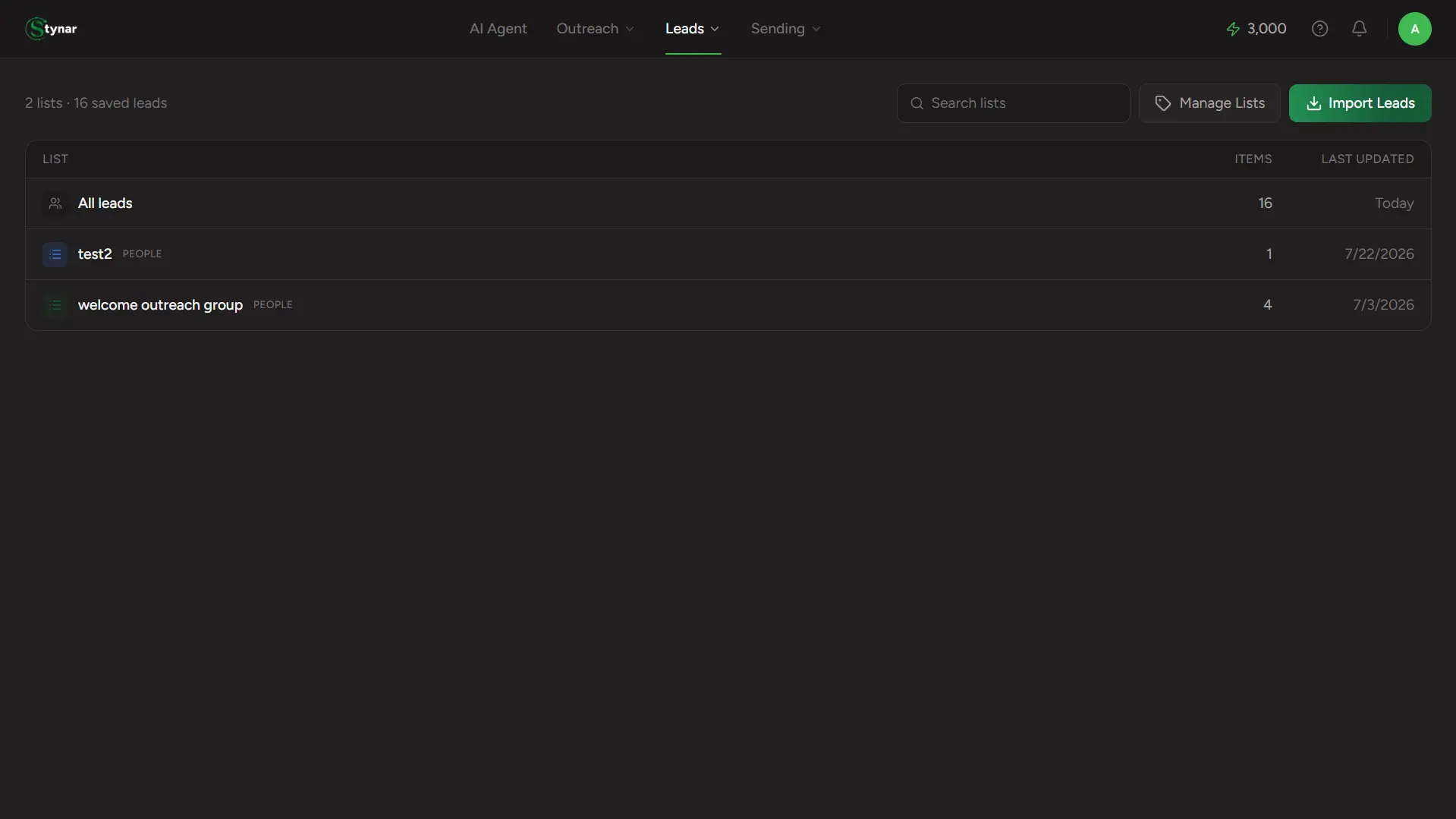
Saved Lists is the hub everything else feeds into. Every company you save from Find Companies and every person you save from Find People lands here — organized the moment you save it, ready to search, refine, and eventually plug straight into a campaign.
Save, manage, and revisit your best prospects in focused lists, ready to power your next outreach campaign.
A list is just a name
There's no separate "create a list" flow — a list is created the instant you save something into a name that doesn't exist yet, from Find Companies, Find People, or an import.
"All leads", pinned
Every individual lead you've ever saved, across every list, in one always-visible row at the top.
People lists vs. company lists
Each row shows which kind of list it is. A people list and a company list are always separate, even sharing the exact same name.
Search your lists
The search box here filters list names, not lead content — for searching inside leads themselves, open a list.
Manage Lists
Rename or delete a list. Renaming relabels every lead in it instantly; deleting removes the label only — the leads themselves stay exactly where they were.
Import Leads
The same CSV/CRM import flow, reachable right from here — see the Import leads guide for the full walkthrough.