Find people
Search verified contacts by title, seniority, and department — reveal an email or number only when you need it.
Once you know the companies, Find People gets you to the actual humans inside them — verified contacts searched by title, seniority, and department, powered by the same Prospeo database as Find Companies.
Discover the right people, refine your search, and build a focused list of prospects ready for outreach.
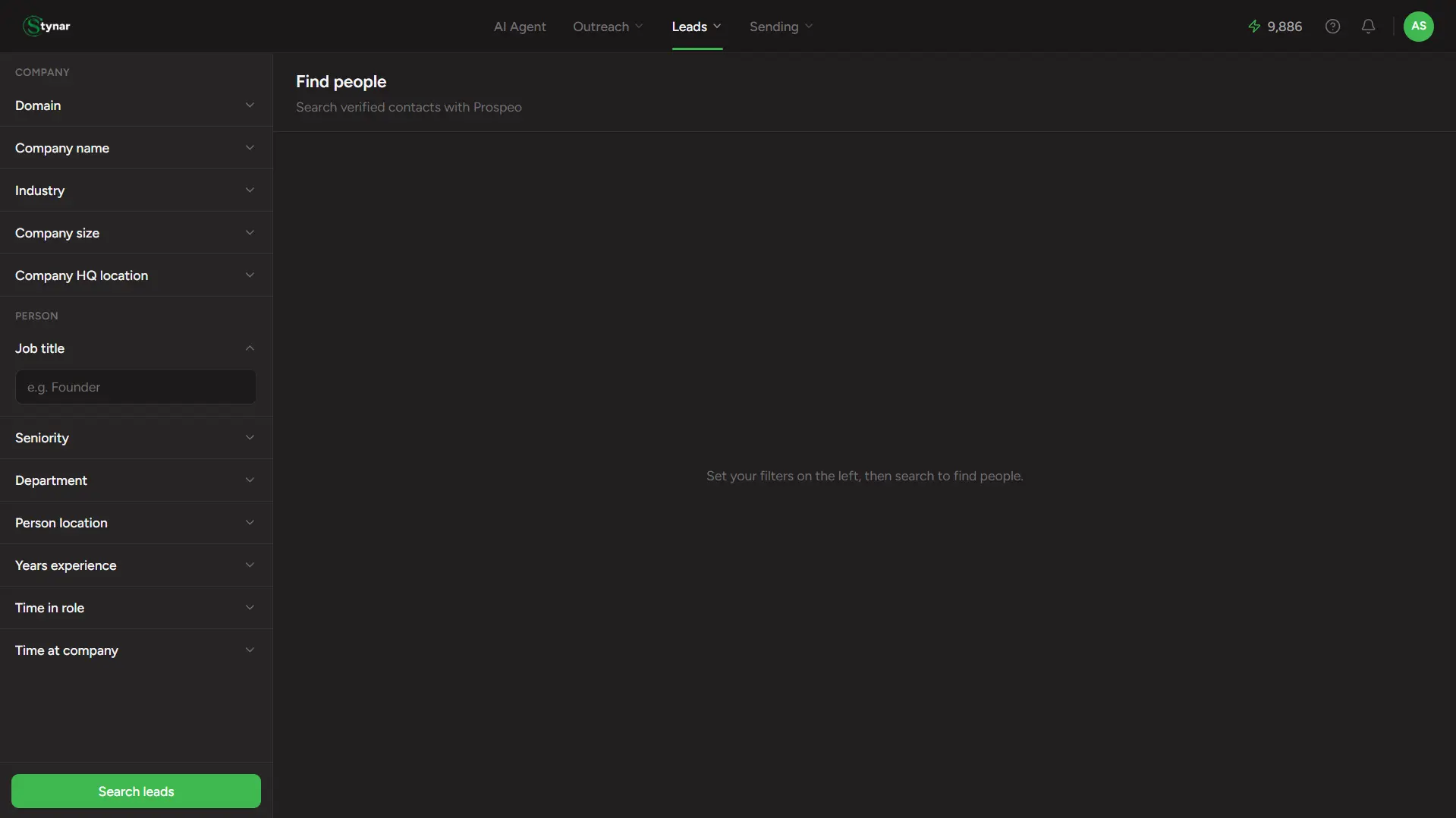
Two groups of filters
The sidebar splits cleanly into company-level and person-level filters — combine both to get specific fast:
Company filters
Domain, company name, industry, company size, and HQ location — narrow the field before you even get to people.
Person filters
Job title, seniority, department, and person location — the actual human you're trying to reach.
Tenure filters
Years of experience, time in current role, and time at the current company — all as min/max ranges.
| Field | What it means |
|---|---|
| Job title | Free text — e.g. "Founder", "VP of Sales". |
| Seniority | Checkboxes: Founder/Owner, C-Suite, Partner, Vice President, Head, Director, Manager, Senior, Entry, Intern. |
| Department | Checkboxes covering the major functions — Engineering, Marketing, Sales, Finance, Product, and more. |
| Person location | Type-ahead search, same as company location. |
At least one filter is required
Reveal, don't blast
This is the one real difference from Find Companies: person results come back with contact info masked until you ask for it. Each row shows View Email and View Number buttons instead of the values themselves.
Click View Email or View Number
Reveals that one field for that one person — a targeted, per-field action, not a bulk unlock.
It's billed per field, and mobile costs more
Revealing an email is cheap; a mobile number costs roughly 10x as much, since Prospeo prices them that way. You choose which fields are worth it, person by person.
Already revealed stays revealed
A contact someone already paid to reveal shows its real value immediately on future searches — reloading the page never asks you to pay twice for the same person.
Job title & seniority
Visible upfront, no reveal needed.
Company & LinkedIn
Company site, headcount, and a LinkedIn link, all upfront.
Location
Country and city, visible upfront.
Email & mobile
Masked — reveal only what you actually need.
Saving your selection
Select the people worth pursuing and click Import N to leads — the same list picker as Find Companies: an existing list, a brand-new one, or skip entirely. Skip here and they land in a default list called Sourced Leads rather than nowhere — you'll always be able to find them.