Knowledge base
The company profile Stynar's AI uses to find better leads and write sharper emails.
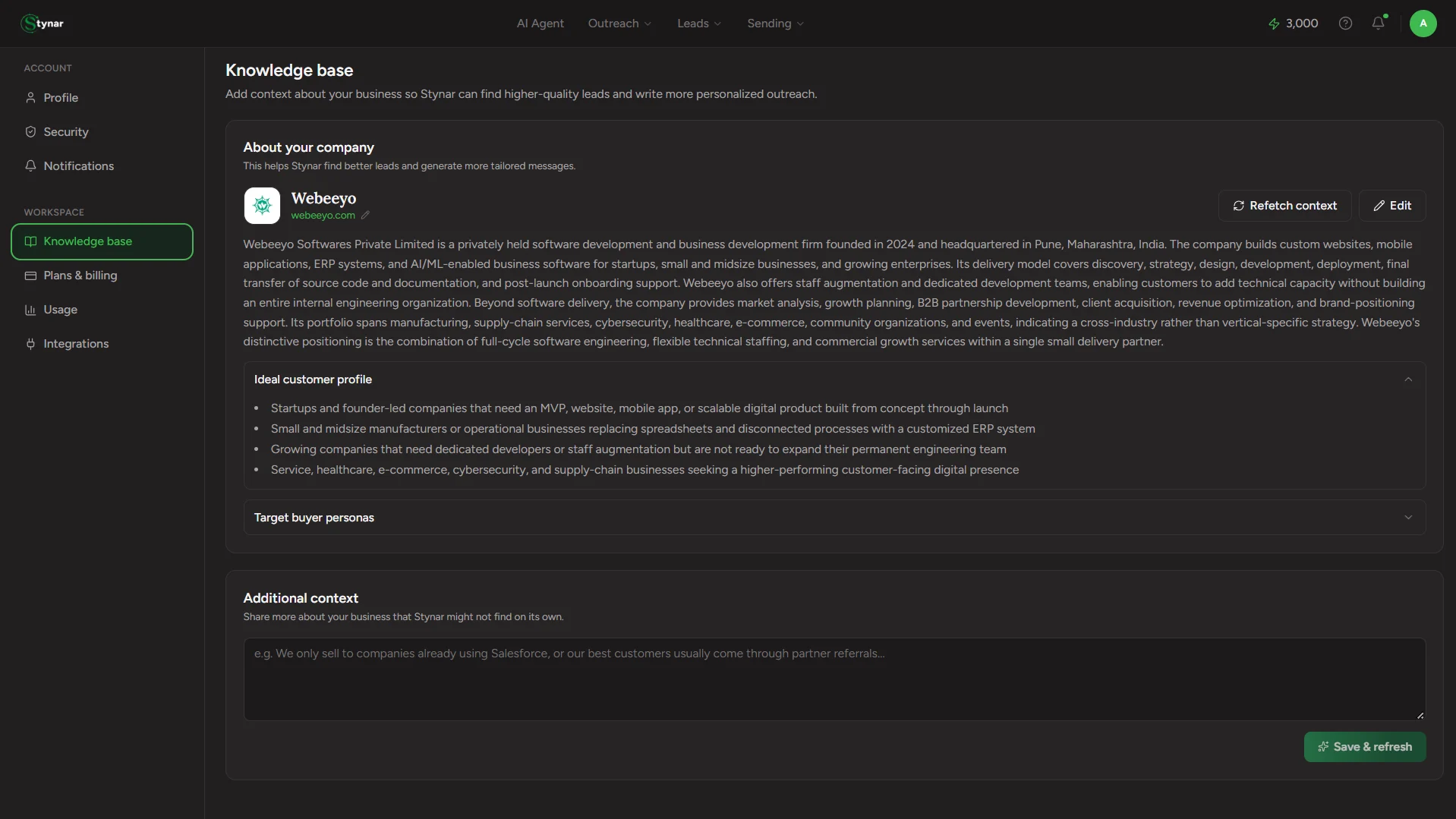
Knowledge base is the profile Stynar's AI builds of your company — not your leads'. The better this profile, the better every AI-touched surface gets: sharper lead search on Find Companies and Find People, more relevant AI Agent suggestions, and {{AI_CONTENT}} personalization that actually sounds like it knows who you are.
Build your company profile once, and let Stynar use it to find better leads, personalize outreach, and make every AI-powered interaction more relevant.
How it builds itself
Add your company website
Set it once in Profile — this is the one field the research is actually grounded on. A bare company name is too ambiguous to search on its own.
Research kicks off automatically
The moment a website is on file, Stynar researches your company in the background — no button to click, no form to fill in first.
The page polls until it's ready
While research is running, Knowledge base shows a live "Still researching…" state and checks back every couple of seconds until the profile is done.
Read, tweak, or leave it as-is
Once ready, the full profile renders below — accurate as-is for most companies, but every field is yours to edit.
What's in the profile
Overview
A written summary of what your company does, who it serves, and how it makes money.
Ideal customer profile
A bullet list of the traits that define who you should be selling to.
Target buyer personas
Named roles worth reaching — a title plus a note on why that persona buys.
Value proposition
One or two sentences distilling your core pitch.
Products & customers
Named products/features with one-line descriptions, plus the customer segments you actually serve.
Company details
Industry, location, size, funding stage, legal structure, and pricing model — the fast-fact fields.
Editing and refreshing
Edit anything by hand
Every field above opens in a full edit view — correct something the AI got wrong, or fill in a gap it left blank.
Refetch context on demand
Changed direction, launched a new product, or just want a fresher take? Refetch context re-runs the research from scratch.