What is the AI Agent
A chat that can actually search leads, build campaigns, and report back — not just talk about them.
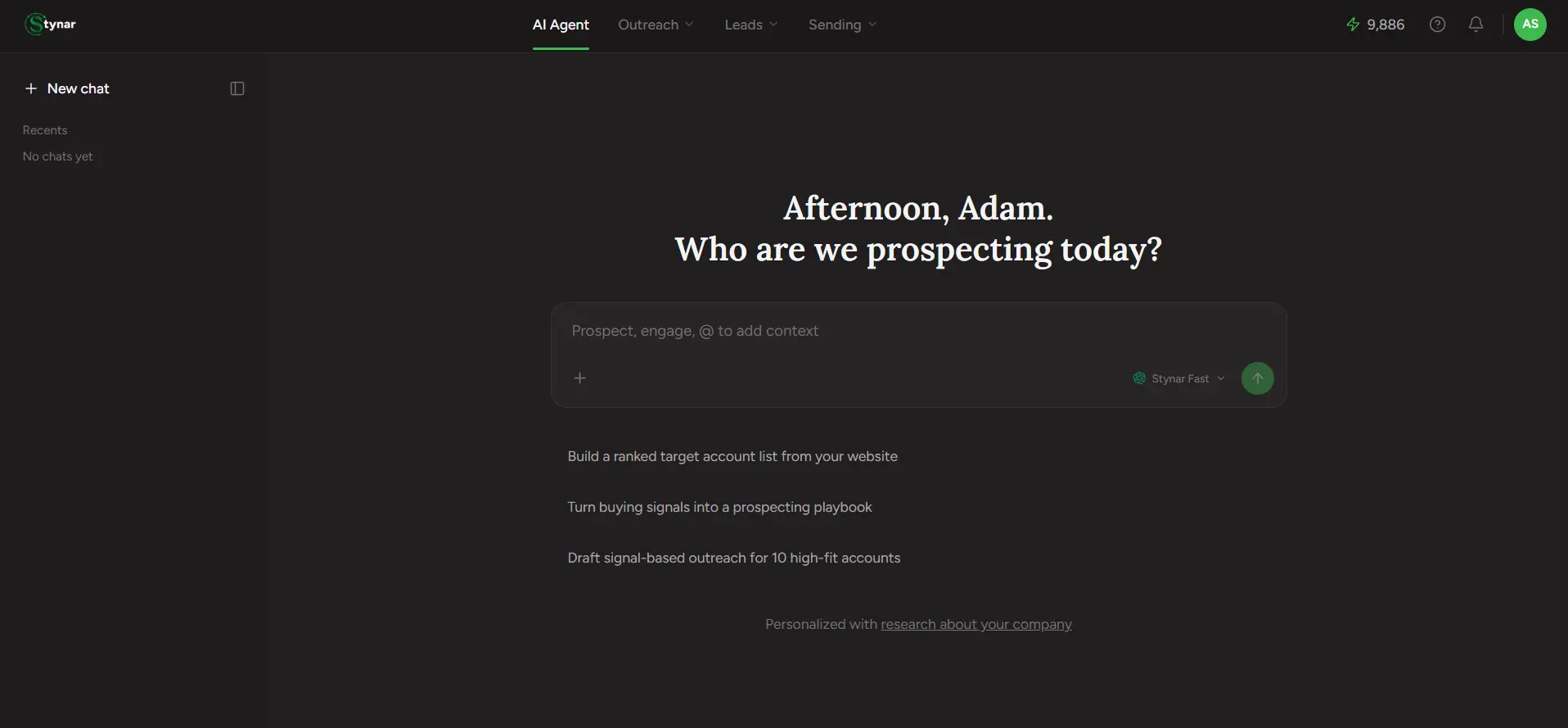
Click AI Agent — the first tab in the top nav, and where the Stynar logo takes you — and you land on a chat, not a dashboard. That's the whole idea: instead of clicking through Find People, then the campaign wizard, then Templates, you just describe what you want. The Agent searches real data, builds real campaigns, and reports on real results — it doesn't just talk about your account, it actually acts on it.
Discover leads, create personalized outreach, manage replies, and book meetings — all with Stynar's AI Agent.
Finds real leads and companies
Describe an audience in plain English and it searches Stynar's live Prospeo-powered database — the same data behind Find People and Find Companies — right in the chat.
Builds working campaigns
Turn a search (or an uploaded spreadsheet) straight into a real campaign — sender, subject, body, and a drafted follow-up sequence — in one guided flow.
Reports on what's already running
Ask how a campaign is performing, who's replied, who's booked a meeting, or how many credits you have left — it looks up the real numbers, not a guess.
Finds who to try again with
Point it at a past campaign and it finds everyone who never replied, drafts a fresh angle, and lets you review it before anything sends.
It already knows a bit about you
Every conversation is personalized against the Knowledge base — the company profile Stynar researched from your website during onboarding (see Account & Workspace → Knowledge base). That's why the empty chat screen says "Personalized with research about your company," and why your very first conversation — auto-sent the moment onboarding finishes — opens with three ready-to-run campaign ideas already shaped around your business, not generic starter prompts.
Every chat is saved
It tells you before it acts
Keep reading — How it works covers the mechanics (clarifying questions, @-mentions, attaching files, picking a model), and every page after that covers one thing the Agent can actually do, in the order you'd naturally use them: find leads, build a campaign, manage what's running, win back cold ones, or import what you already have.